Online banking problems reported Monday affected customers trying to reach services at Chase, Bank of America and Wells Fargo, according to Downdetector.com...
Chase, Bank of America and Wells Fargo Online Banking Problems: What Customers Should Know
Online banking problems reported Monday affected customers trying to reach services at Chase, Bank of America and Wells Fargo, according to Downdetector.com. Chase confirmed a technical issue that made some transactions take longer, while saying customers still had access to their accounts and funds. The report did not establish a cause or confirm identical problems at every bank.
The distinction matters. A login error, a delayed payment, and a card-network failure are different problems, even when customers first notice them at the same time. The account of Monday’s disruption confirms a Chase response, but it does not establish the cause, the number of affected customers, or whether Bank of America and Wells Fargo experienced the same technical fault.
For customers, the useful question is not whether every post online is accurate. It is what to do when a balance, transfer, or payment cannot be checked with confidence. Start with a bank’s official app, website, phone number, or branch, and treat social media claims as a reason to verify—not as instructions to share personal information. A little caution can prevent a service delay from becoming a security problem.
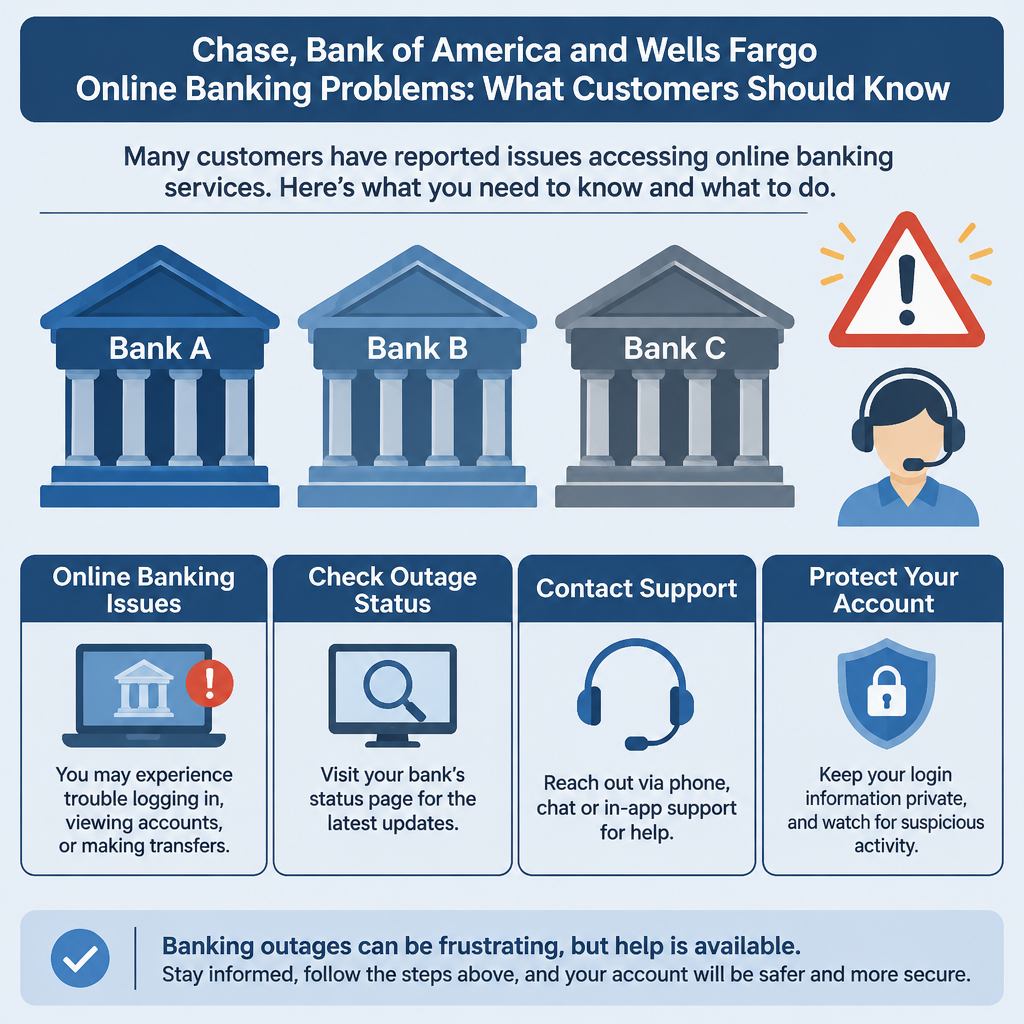
What Are the Reported Online Banking Problems?
An online banking disruption is a problem that interferes with one or more digital services, such as signing in, viewing balances, sending a transfer, paying a bill, or receiving transaction updates. The term covers a range of conditions. A website can be slow while an app works; a payment can be delayed even when account details remain visible; or a customer may be unable to authenticate at all. Those are not interchangeable outcomes.
In this case, customers reported trouble accessing online services at Chase, Bank of America and Wells Fargo on Monday, according to Downdetector. Chase acknowledged an issue through its Chase Support account on X. It later told FOX Business that a technical problem was causing some transactions to take longer than usual, while saying customers still had access to their accounts and funds. Chase said it was working to resolve the issue.
That is what the available report establishes. It does not identify the technical cause, give the number of customers affected, say which services were impaired, or confirm that the other named banks had the same problem. A surge in user reports can flag a service concern, but it is not the same thing as an official explanation from each bank. The Downdetector status pages are useful for seeing reports, not for proving that every report reflects one shared outage.
A slowdown also does not automatically mean money has disappeared. Chase’s statement specifically said customers still had access to accounts and funds, while some transactions were taking longer. Customers should still check their own transaction history and contact their bank if a payment remains unclear. Avoid assuming that a displayed balance is a complete, real-time record while systems are having trouble; the bank is the authority on an individual account.
I read this as a service disruption report, not evidence of a bank failure or a confirmed security breach. That difference is important. A temporary interruption in digital access is frustrating and can cause real costs, but it is not, by itself, proof that deposits are missing or that account information has been stolen. Frankly, precise wording is more useful than panic.
Why Online Banking Interruptions Matter
Digital banking has become the front door for routine money tasks. People check pay deposits, schedule rent, move savings, confirm card charges, and manage business cash flow through an app or website. When that door sticks, even briefly, the inconvenience can land at a bad moment: a bill deadline, a payroll run, a travel purchase, or a medical expense. The operational problem may be technical; the consequences are personal.
The first concern is timing. A customer who cannot see whether a transfer completed may be tempted to submit it again. If the first instruction is merely delayed, a second attempt could create a duplicate payment. That outcome is not established in this incident, but it is a sensible risk to manage during any unclear payment status. Check the transaction list and confirmation notices before repeating the instruction, and contact the bank or payee if the status remains ambiguous.
The second concern is the gap between an account balance and a completed transaction. A payment might show as pending, disappear temporarily from a display, or appear only after processing catches up. The exact behavior depends on the transaction and the bank. Do not treat a delayed screen as a final accounting record. Keep receipts and confirmation numbers, especially for time-sensitive or high-value payments, and ask the institution to confirm the transaction status.
There is also a security angle. When a bank’s service is disrupted, scammers can exploit the confusion with fake support messages, look-alike websites, or calls claiming that an account must be verified immediately. The Federal Trade Commission’s phishing guidance explains warning signs, including messages that pressure people to click a link or reveal sensitive information. A real outage does not make an unsolicited request for a password or one-time passcode legitimate.
Finally, reliable financial infrastructure serves more than convenience. Workers need access to earnings; families need to pay for necessities; small businesses need to handle invoices and payroll. Responsible stewardship means banks should communicate clearly, and customers should handle their own financial information carefully. The common good is not an abstract slogan when a delayed payment affects someone’s rent or a business’s ability to pay staff. Here’s the kicker: good outage communication can reduce harm even before the technical fix is complete.
What Customers Can Do: A Step-by-Step Guide
- Verify the problem through an official channel. Open the bank’s app directly or type its known web address into your browser rather than following a link in a text or social post. If the app fails, use the phone number on the back of your card or on a recent statement. A search result or a post from an unfamiliar account is not a safe substitute for the bank’s own contact details. Chase’s security center offers account-safety guidance; use the equivalent official channel for your own bank.
- Identify the task that is failing. Is the problem signing in, seeing an account, moving money, paying a bill, or receiving a notification? Note the error message and time. Try one other official route, if available, such as the bank’s app instead of its website, but do not repeatedly submit a payment just to see whether it works. This small distinction gives customer support something actionable and helps you avoid creating extra transactions.
- Check before retrying a payment or transfer. Review account activity, pending items, email or text confirmations, and the recipient’s payment status. If no status is clear, contact the bank before sending the same instruction again. For a bill due soon, contact the company receiving the payment as well; explain that your bank’s digital service is having an issue and ask what options are available. Save any confirmation number and the time of your call or message.
- Protect credentials while the issue is being discussed. Do not share your password, PIN, full card details, or one-time passcode with someone who contacts you unexpectedly. Do not install remote-access software at a stranger’s request. If you receive a message claiming to be from support, leave that conversation and contact the bank using a number or app you already trust. When I assess outage reports, this is the step people most often underestimate: uncertainty makes a convincing scam feel urgent.
- Keep a simple record. Take a screenshot of an error message if it does not reveal sensitive account details. Record the time, the task you attempted, the amount and recipient of any payment, and the bank’s response. Retain receipts and notices until the transaction is settled. If a dispute arises later, a clear timeline is more useful than trying to reconstruct events from memory.
- Escalate unresolved problems calmly. Ask the bank for a case or reference number and for a clear explanation of the next step. If a transaction is missing, duplicated, or otherwise incorrect after services return, raise that specific issue through the institution’s formal support process. If direct contact does not resolve a consumer banking complaint, the Consumer Financial Protection Bureau’s complaint portal explains how to submit a complaint and what information may help. Keep copies of the bank’s replies.
- Plan around deadlines without making assumptions. If a bill, rent payment, payroll deposit, or purchase is time-sensitive, contact the other party early and ask about a reasonable alternative or extension. Do not assume a payment was made simply because you clicked submit, and do not assume it failed simply because the screen stalled. Confirm the final status through the bank or recipient. That is less satisfying than an instant answer, but it is safer than guessing.
These steps are practical, not dramatic. They do not require a customer to predict the cause of a bank’s technical fault. They reduce the chance of duplicate instructions, give support staff useful details, and protect personal information while the institution works on the service. For an individual customer, that is the right-sized response to an uncertain report.

Online Banking Issue vs. Card-Network Outage
The biggest comparison to keep straight is a digital banking problem versus a payment-network outage. They can feel similar at a checkout counter or on a phone screen, but they describe different parts of the money system. The available account of Monday’s reports supports only a comparison of what was reported and what was not established; it does not show that card payments or ATM withdrawals were affected.
| Point of comparison | Reported online banking issue | Card-network outage |
|---|
| What customers may notice | Difficulty reaching online services or delays in some transactions | A card payment may fail at a merchant or terminal |
| Evidence in Monday’s report | Customer reports about online services at Chase, Bank of America and Wells Fargo; Chase acknowledged a technical issue | No card-network outage was reported in the account of the incident |
| What Chase said | Some transactions were taking longer; customers still had access to accounts and funds | No statement about card-network operations was included |
| What is not established | Exact cause, scale, affected functions, and whether all three banks had the same issue | Whether cards, ATMs, or merchant payments were affected |
| Sensible customer response | Verify account and payment status through official bank channels | Check the card issuer or merchant, and avoid repeated payment attempts until status is clear |
A bank app and a card payment are related to a customer’s finances, but they do not necessarily depend on the same service at every point. A login problem does not prove that a physical card will fail. In the other direction, a card decline does not prove that the customer’s online account is inaccessible. The institutions involved need to say which functions are affected; customers should not fill gaps with guesses.
Nor should a customer assume that visiting an ATM will solve every online banking problem. The report does not say ATMs or branches were affected, and it does not say they were available as workarounds. If you need cash or a time-sensitive service, check with your bank using a trusted contact route before making a special trip. Let’s be real: careful verification is dull, but it beats turning one uncertain transaction into two.
Common Mistakes to Avoid
Treating reports as proof that every bank has the same outage. Downdetector reports are a signal that customers are experiencing trouble, not a technical postmortem. Chase publicly acknowledged an issue, but the account does not supply an equivalent confirmation from Bank of America or Wells Fargo. Do not assume that every account, location, or feature is affected in the same way. Check for a bank-specific notice before acting on a broad headline.
Calling a delay a loss of funds. Chase said customers still had access to accounts and funds, even as some transactions took longer. That statement should not be stretched into a guarantee that every customer could use every feature normally. But the reverse leap is no better: a slow transaction is not proof that money has vanished. Review the account’s actual activity and ask the bank to trace a specific transaction if the status is unresolved.
Retrying until the screen responds. Repeated clicking can create uncertainty about whether multiple instructions were submitted. This is especially risky with transfers, bill payments, and purchases where the customer cannot immediately verify completion. Pause, check the transaction list, and seek confirmation. If the bank is still unable to show a status, make a note of the time and ask support how to proceed rather than firing off another attempt.
Trusting the first search result or unsolicited support message. Search advertising, fake phone numbers, and imitation social accounts can appear during a high-profile service problem. Do not give a caller remote access to your device or reveal an authentication code to prove who you are. Go to the official bank app or use the phone number on your card. The FTC’s phishing guidance is worth reading before trouble starts, not after an account has been compromised.
Assuming deposit insurance fixes an access interruption. Federal deposit insurance relates to eligible deposits if an insured bank fails, subject to applicable rules and limits; it is not a guarantee that an app, website, payment, or ATM works without interruption. The FDIC’s deposit insurance FAQ explains what deposit insurance covers. A temporary service problem and a bank failure are separate matters, and mixing them up adds worry without helping a customer resolve a delayed transaction.
Leaving no paper trail. A customer who has a time-sensitive problem should keep the error message, transaction details, contact time, and any case number. Do not include a password or full account number in an ordinary email or public post. If the bank later asks for the transaction details, a short, accurate timeline helps. Most guides say to wait patiently; the better advice is to wait with records and a clear plan to follow up.
Frequently Asked Questions
Were all three banks confirmed to have an outage?
No. The report said customers at Chase, Bank of America and Wells Fargo had reported problems accessing online services on Monday through Downdetector. Chase acknowledged a technical issue. The account does not establish that the other two banks confirmed the same issue or that all three were affected by one cause. Check each institution’s official notices for its own service status.
Did Chase say customers could not access their money?
No. Chase said that some transactions were taking longer than usual because of a technical issue, but customers still had access to their accounts and funds. That statement is specific to what Chase said publicly; it does not tell us whether every customer could use every service or how quickly every transaction completed. If an individual payment is unclear, confirm it with the bank.
Should I submit a payment again if online banking is slow?
Not until you check whether the first instruction was received or is pending. Review transaction activity and any confirmation notice, then contact the bank or the payment recipient if the status remains unclear. A second submission may create a duplicate instruction. For a due bill, tell the recipient about the delay and ask what options it offers while you verify the payment.
Does an online banking problem mean my deposits are unsafe?
A digital service interruption alone does not establish that deposits are missing or that a bank has failed. Chase said customers still had access to accounts and funds in its statement about this issue. Deposit insurance is a separate protection for eligible deposits if an insured bank fails, subject to its rules and limits; it does not guarantee continuous access to online services. Contact your bank about account-specific concerns.
A bank’s service problem can disrupt ordinary tasks without changing the basic fact that the customer needs a clear record of what happened. Keep a confirmation, ask a direct question, and follow the bank’s formal process if a particular transaction remains unresolved. If the issue has affected a deadline, communicate with the payee rather than relying on assumptions. And if a message appears during the disruption asking for credentials, stop and verify it through an official channel.
Final Thought
A short online banking interruption can be more than a nuisance, especially when a payment is due or someone is waiting on a deposit. Still, the facts in this report are narrower than some social-media commentary may suggest: Downdetector recorded customer reports involving three banks, while Chase confirmed a technical issue that slowed some transactions and said customers continued to have access to accounts and funds. The account does not establish the cause, the total number of affected customers, or whether the other banks had the same problem.
Customers do not need to diagnose the bank’s systems. They need to avoid acting on guesses, verify the status of important transactions, and keep their credentials out of anyone else’s hands. Banks, for their part, owe customers timely and plain-language updates when digital services falter. Money touches wages, housing, care, and small businesses; clear communication is part of treating people and their work with respect.
When service returns, review any payment that was pending or unclear. If something is wrong, report that specific transaction and keep the reference number. Until then, take the cautious route: check an official channel, pause before resubmitting, and ignore anyone demanding a password or code. It is not glamorous advice. It is the sort that keeps a frustrating technical problem from becoming an avoidable financial mess.